Autodesk Navisworks
Coordinate every discipline, detect clashes earlier, and visualize construction before it happens.
What Is Autodesk Navisworks?
Project review and coordination software that combines multidisciplinary BIM models, CAD files, point clouds, and construction information within one federated project environment. It enables BIM Managers and project teams to detect design conflicts, simulate construction schedules, validate existing conditions, and communicate coordination issues before they become costly problems on-site. Supports more than 60 design and construction file formats.
Ideal for:
- BIM Managers & BIM Coordinators
- VDC Teams & Main Contractors
- Construction Managers
- Design Consultants & Project Owners
Navisworks Key Capabilities
Federated Model Coordination
Combine architectural, structural, MEP, civil, plant, 2D, and construction data into one coordinated project model.
Clash Detection & Interference
Use Clash Detective to identify hard clashes, clearance issues, and interdisciplinary conflicts before construction begins.
Clash Review & Issue Management
Group, filter, prioritize, comment on, and track clashes by status, discipline, location, and responsible team.
Clash Reports & Dashboard-Ready Data
Organize coordination results into structured reports and viewpoints to monitor open, active, reviewed, approved, and resolved clashes.
4D & 5D Construction Simulation
Connect model elements to project schedules using TimeLiner to visualize construction sequencing, site logistics, and planned progress.
Point Cloud & Existing-Condition Check
Combine BIM models with ReCap point clouds to compare designs against actual site conditions and identify potential construction conflicts.
2D and 3D Quantification
Measure areas, lengths, quantities, and component counts from models and PDF drawings to support estimating and project review.
Choose the Right Navisworks Product
Navisworks Manage
Advanced BIM Coordination & Clash Detection
- Complete federated model review
- Clash Detective and interference management
- Clash grouping, status tracking & reporting
- TimeLiner 4D construction simulation
- 2D and 3D quantification
- Point-cloud coordination
- Measurement, markup & project review tools
Navisworks Simulate
Model Review & Construction Simulation
- Multiformat model aggregation
- Real-time project review
- TimeLiner construction simulation
- 2D and 3D quantification
- Rendering, animation, measurement & markup
- Does not include Clash Detective
Navisworks Freedom
Free Project Model Viewer
- Free viewer for NWD and 3D DWF files
- Explore complete project models
- Review saved viewpoints and simulations
- Suitable for project stakeholders who do not require model editing or clash detection
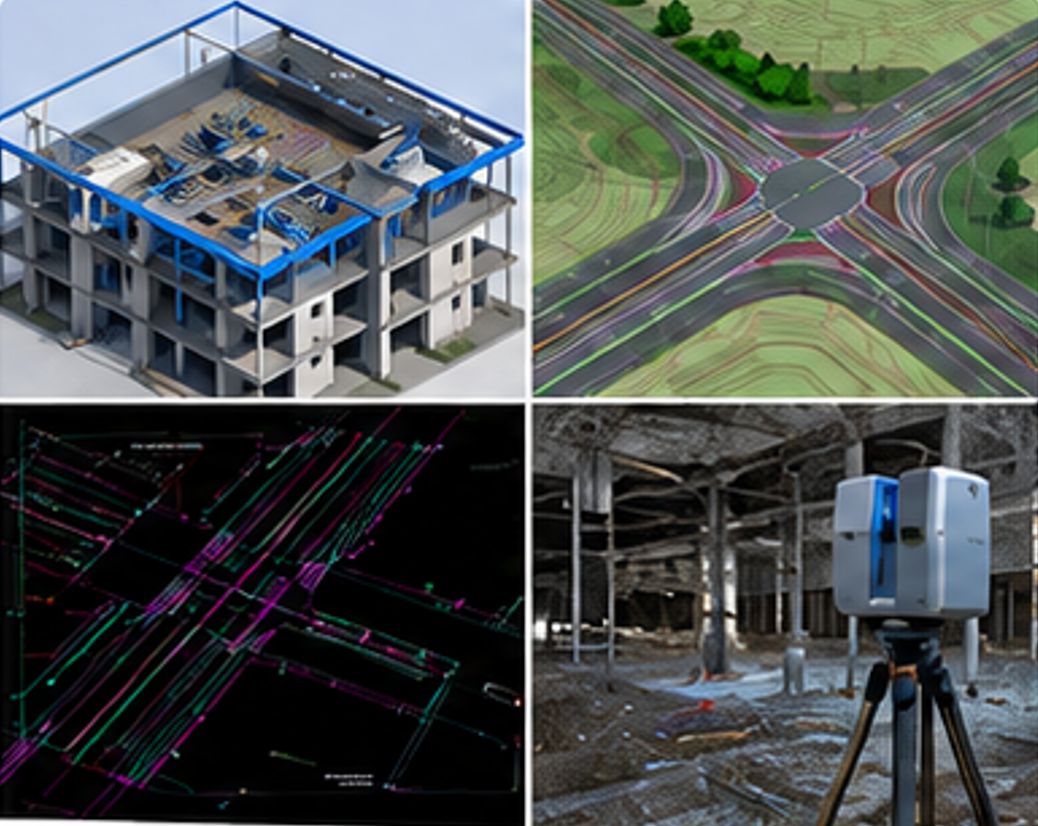
Combine design data from multiple disciplines and sources into one coordination flow.
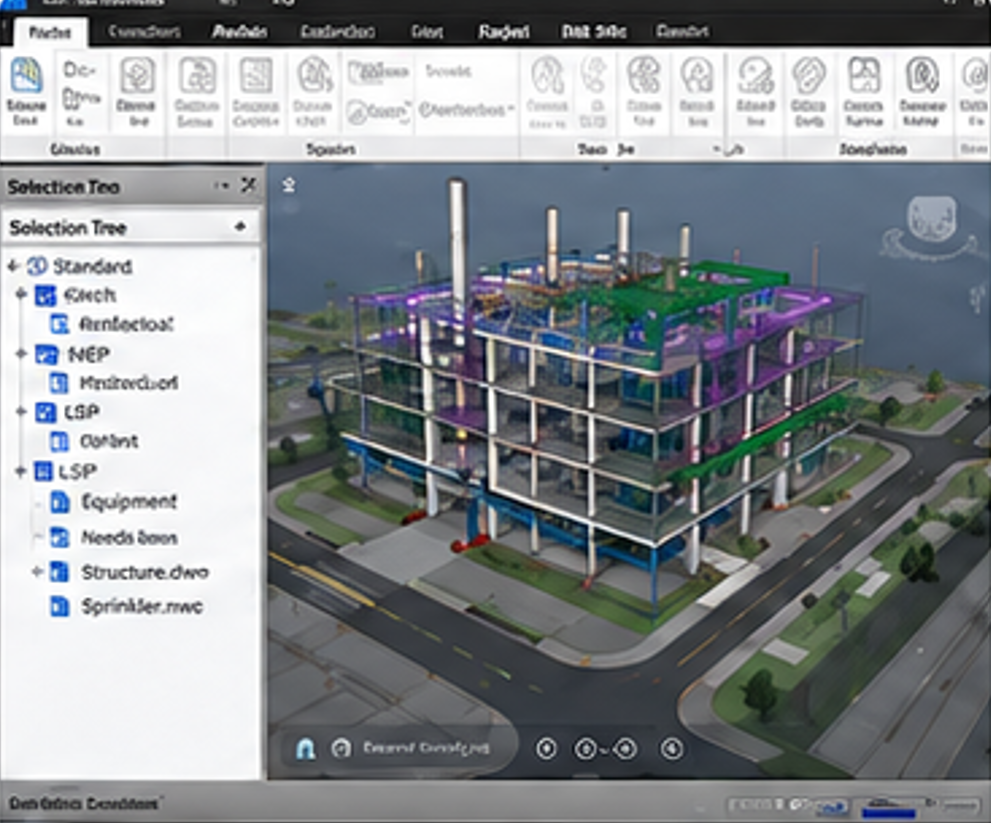
Unify all models into a federated model for integrated visualization and review.
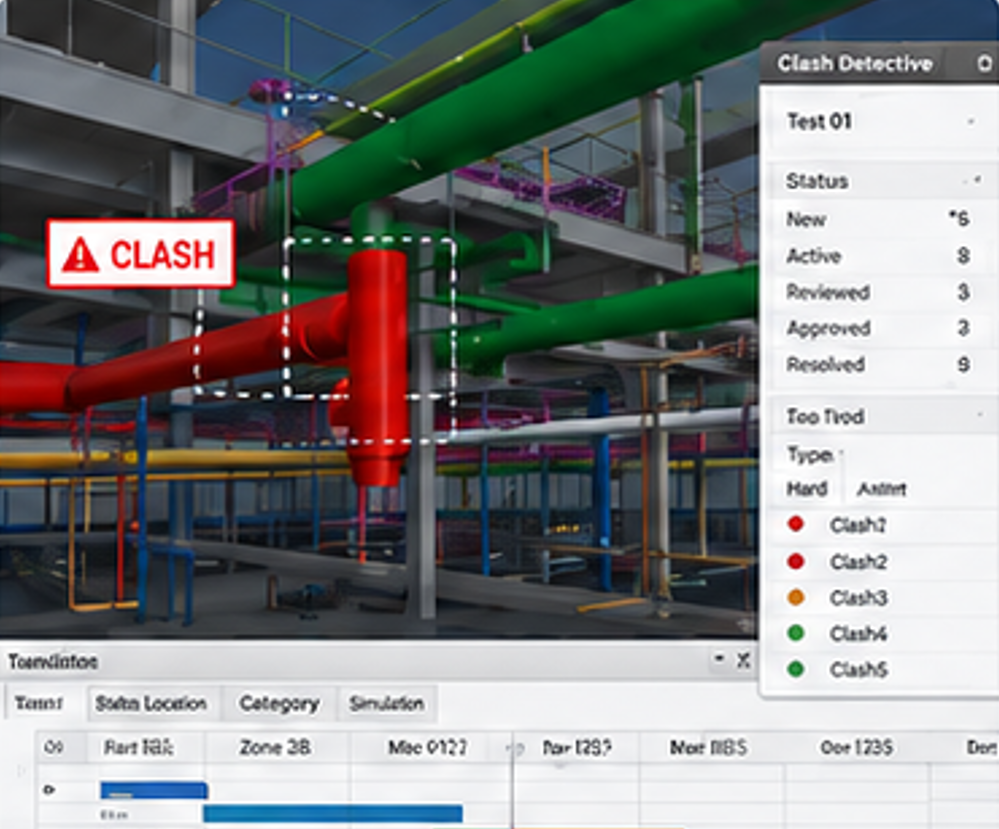
Identify conflicts earlier and simulate the sequence of work to reduce risk in the field.
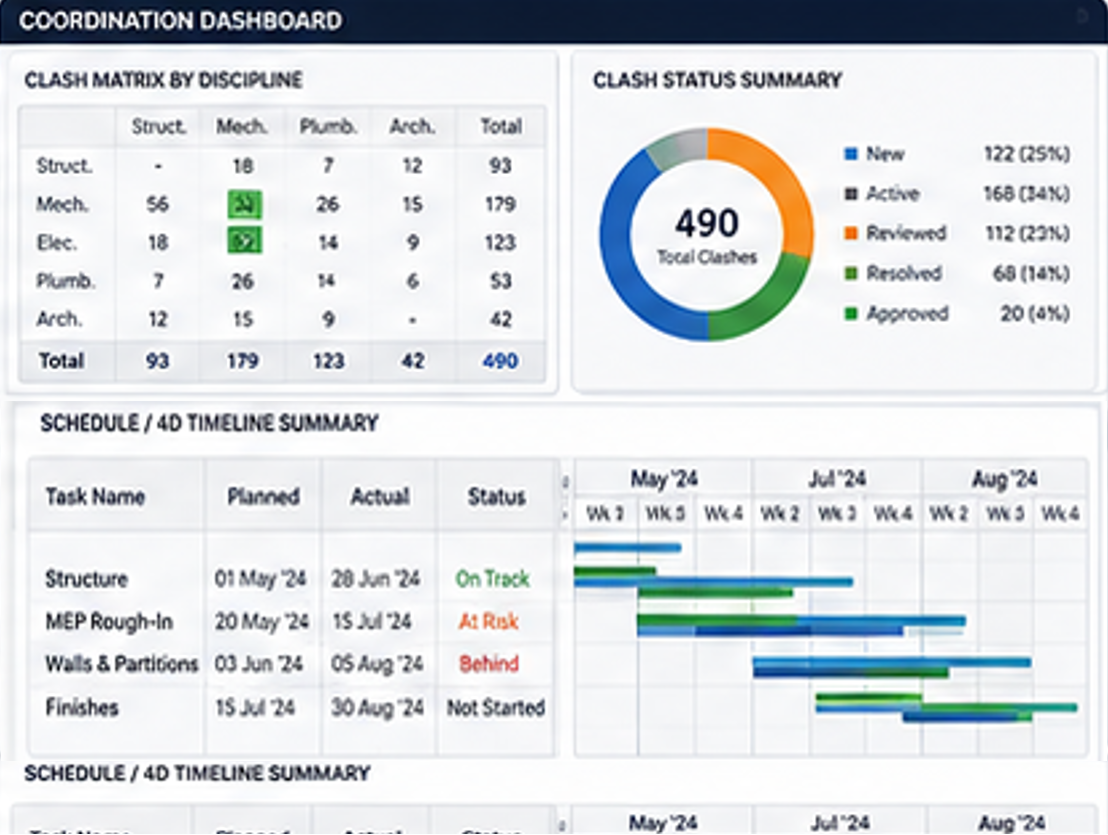
Produce coordination reports and dashboards to support project decision-making.
Why Choose Navisworks?
Detect Problems Before Construction
Identify conflicts between architecture, structure, MEP, equipment, utilities, and existing conditions before installation begins — saving rework costs and delays.
Monitor Coordination Progress
Give BIM Managers clearer visibility into the number, status, priority, location, and ownership of coordination issues throughout the project lifecycle.
Review Multiple File Formats
Coordinate project data from different consultants and subcontractors without requiring every discipline to use the same authoring software. Supports 60+ formats.
Visualize Construction Sequencing
Help project teams understand how the project will be constructed over time and evaluate site logistics, material movement, and planned progress before work begins.
Share Coordinated Project Models
Publish coordinated NWD files that project stakeholders can explore using the free Navisworks Freedom viewer — no license required for reviewers.
Get the best Navisworks solution for your project with BIMAGE Consulting Indonesia.
Contact Us →