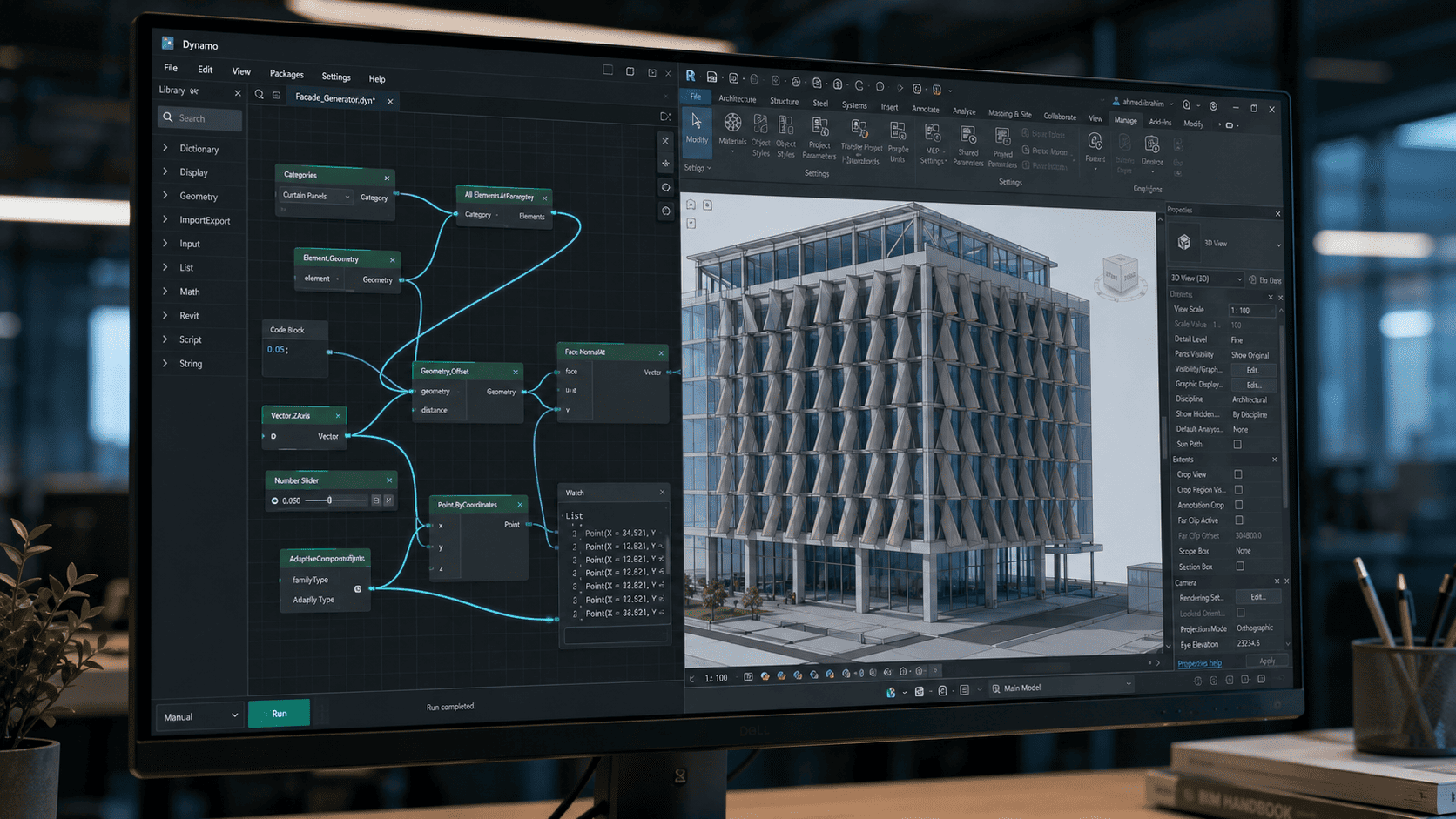
Dynamo is a visual programming tool running inside Revit, letting users assemble command sequences by connecting nodes rather than writing code. Its purpose is to take over repetitive work that occurs in volume and follows the same pattern from one element to the next.
Which work is worth automating with Dynamo?
Not all work deserves automating, and building automation for the wrong task consumes more time than it saves. The filter is simple: the work repeats, the pattern is consistent, and the volume is large enough that the build time pays back.
| Type of work | Worth automating? | Why |
| Renaming hundreds of sheets | Yes | Uniform pattern, high volume, easily verified output |
| Copying parameters between like elements | Yes | Repetitive, clear rules, errors are visible |
| Layouts requiring design judgement | No | Every case differs and demands a human decision |
| Model data cleanup before issue | Yes | High volume with rules that can be written down |
| Model updates after a major design change | No | The pattern changes each time; the script ages before it pays back |
Rows three and five are where most time gets lost. Both look repetitive from outside, but each case is genuinely different — and automation that handles differing cases grows into a complex script only its author understands.
How do you start Dynamo without a programming background?
Visual programming exists precisely for users who are not programmers, and most day-to-day modelling needs require no code at all. The five steps below fail least often.
- Start with one small task that genuinely irritates you, not an impressive-looking complex example.
- Do it manually first and write down each step. Automation can only imitate a process you already understand.
- Translate those written steps into a node sequence, one step at a time, testing each addition.
- Test on a copy of the model, never directly on a project file someone else is working in.
- Save it with a short note on what it does, so colleagues can use it without asking.
The common mistake is starting from someone else’s complex script downloaded from the internet. Such scripts work on the model they were built for, and when the model differs the result is hard to repair because the author cannot be asked. A simple script you wrote and fully understand is worth more than a sophisticated one you do not.
What are the safety rules for running Dynamo?
Automation that works incorrectly works far faster than a person who works incorrectly, and that is the risk. One faulty script can alter thousands of elements in seconds, and some of those changes cannot be undone with a single command.
- Always run on a copy first, without exception, including for scripts you have run many times.
- Make sure a model backup exists before running any script that changes many elements at once.
- Check the result on a small sample before applying it in full — ten elements first, then the model.
- Name and annotate every script. An unexplained script is abandoned the moment its author moves to another project.
The third rule is skipped most often because it feels like a delay. Checking ten elements takes minutes, while repairing thousands of wrongly altered elements takes days — often longer than doing the whole job manually would have.
When is automation not worth it?
Where work happens once, or the pattern changes every project, the time to build automation usually exceeds the time saved. Automation performs best on work that repeats across projects, not on a single case that happens to be large.
One exception is worth noting. High-risk one-off work — parameter adjustments before an issue, for instance — is sometimes still worth automating, not to save time but to remove the variability of human error. The justification is consistency rather than speed, and that is a different decision.
How do you make it a team capability?
The biggest risk is not the script but dependence on the one person who understands it. An organisation whose automation rests on a single modeller loses that entire capability when they move on.
- Store scripts in a shared location accessible to the whole team, not on individual machines.
- Note what each script does, what input it needs, and what output it produces.
- Make sure at least two people can repair every script in routine use.
- Review the script library whenever the Revit version changes, and retire what is no longer used.
The fourth item gets ignored until something breaks. A script that stops working after a software update is more dangerous than no script at all, because the team has come to rely on it and the failure is often not immediately visible.
Frequently Asked Questions
Does Dynamo need separate installation?
No. Dynamo ships as part of Revit on supported versions, so separate installation is generally unnecessary. What does need checking is that the Dynamo version matches the Revit version your team runs, because scripts do not always carry across versions.
Do I need to code?
Not to start. Visual programming covers most day-to-day modelling needs, and scripts are assembled by connecting nodes rather than writing lines. Writing code only becomes useful for genuinely complex cases.
Scripts break after a Revit update?
It happens, and fairly often. This is why scripts should be kept simple, briefly documented, and retested whenever the software version changes. A complex, undocumented script library is the most expensive thing to maintain after an update.
Which automation pays back fastest?
Usually sheet renaming, copying parameters between like elements, and model data cleanup before issue. All three repeat, have rules that can be written down clearly, and produce output that is easy to verify — the three conditions that make automation worth building.
Sources
- ISO 19650-2:2018 — Delivery phase of the assets — https://www.iso.org/standard/68080.html
Get an Initial Consultation with BIMAGE Indonesia
BIMAGE Indonesia provides BIM training and implementation mentoring, including building automation workflows that fit the team and stay maintainable after the engagement ends. If your team already runs scripts only one person understands, that is the right moment to start an initial consultation.