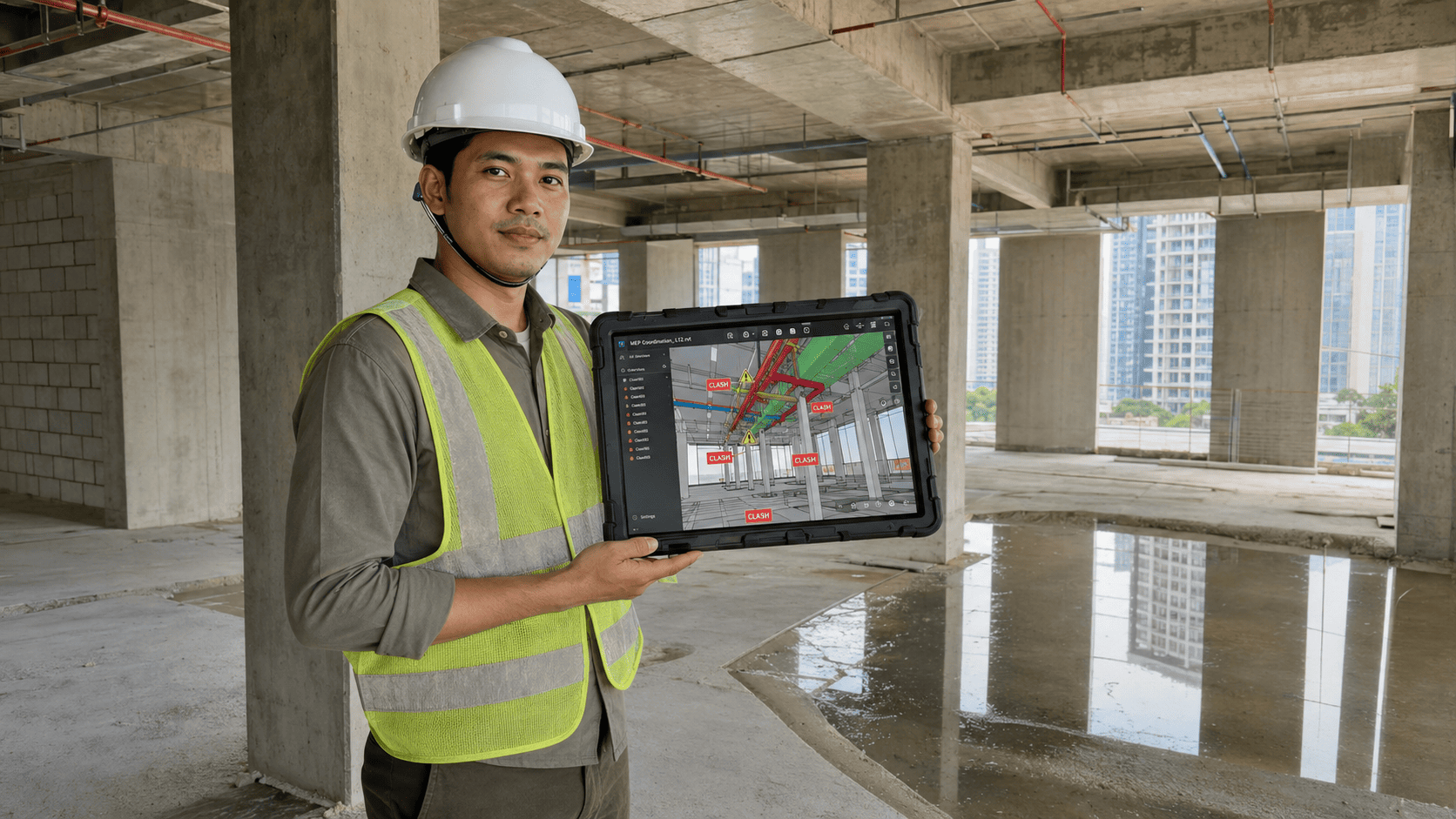
Navisworks is Autodesk software for combining models from several disciplines into one federated model, then reviewing it, checking for clashes, and simulating construction sequence. It is not used to create models. It is used to interrogate models that already exist.
How does Navisworks differ from Revit?
The question comes up in nearly every team starting model-based coordination, and the answer decides who uses what. The two are not alternatives — they occupy different stages.
| Aspect | Revit | Navisworks |
| Primary purpose | Creating and developing models | Federating and reviewing models |
| Typical user | Designers and modellers | Coordinators and site teams |
| File weight | Heavy, full of design parameters | Light, optimised for review |
| Typical output | Drawings and discipline models | Coordination reports and sequence simulation |
| When it is used | Throughout design | Every coordination cycle approaching construction |
The two complement each other. Models are still developed in Revit; Navisworks shows what happens when every discipline is brought together. Design changes arising from coordination findings go back into Revit, not into Navisworks.
The file weight difference in the third row is not merely technical. A federated model of four disciplines is often too heavy to open together in a modelling tool, and that is where Navisworks starts to be irreplaceable.
How do you assemble a federated model?
A federated model is every discipline’s model combined into one review file. The four steps below run every cycle, and the first decides whether the other three mean anything.
- Agree a shared origin point before anything is combined, and record that agreement in the BIM Execution Plan.
- Append discipline models as references rather than copies, so updates flow through without manual re-federation.
- Apply consistent naming so issues can be referenced without confusion between similar models.
- Save the federated version each cycle as a record, so later disagreements can be traced.
Most failures occur at the first step. If origins differ, models appear offset and the check returns thousands of meaningless results — typically every element of one discipline reported as clashing with every element of another. The symptom is distinctive and easy to recognise, but fixing it after every discipline has modelled costs far more than agreeing it in the first meeting.
Which Navisworks functions are used most?
Navisworks has many functions, but five cover nearly all daily use on a building project.
- Reviewing the combined model to see all disciplines at once, including on machines with no modelling licence.
- Clash testing against rules defined per discipline pair rather than every combination.
- Sequence simulation by linking model components to the programme, so construction method can be checked before it is executed.
- Marking up and logging issues so they can be assigned to a responsible party with a deadline.
- Measuring distances and volumes for quick checks, including on site.
The third is the most overlooked on building projects, and it is where the largest benefit sits for work with a complicated installation sequence. Checking sequence in the model costs far less than discovering on site that one component cannot reach its position once another is installed.
How do you close coordination issues out?
Finding clashes is the easy part. What decides the outcome is whether each issue reaches the right person and closes before work begins. Four rules separate a running cycle from one that only produces reports.
- Every issue has a named owner — a person, not a company or a discipline.
- Every issue has a deadline tied to the construction programme, not a generic end-of-month date.
- Issue status is reviewed in the regular coordination meeting, not scattered across untracked email.
- Recurring issues are flagged separately so the root cause can be traced, because recurrence signals a process problem.
Where a project runs on Autodesk Construction Cloud, issue records sit alongside the models in one data environment. That removes the most common source of confusion: an issue list circulating as a separate spreadsheet, with different versions in different hands.
When is Navisworks not yet needed?
For single-discipline work or simple buildings with few mechanical systems, reviewing directly in Revit is often enough. Adding a tool and a workflow to a project that size adds load without adding benefit.
Navisworks starts to earn its place once discipline count passes three, once models become too heavy to open together, or once the people who need to review the model hold no modelling licence. On a multi-storey building with dense mechanical systems, those three usually arrive at the same time.
Frequently Asked Questions
Can Navisworks create models?
No. It exists to federate, review and check models that already exist. Design changes are made in a modelling tool such as Revit, and the updated model is then re-referenced into the federated model.
Navisworks vs Revit?
Revit creates and develops discipline models. Navisworks combines models from every discipline so they can be checked together. Designers use Revit throughout design; coordinators and site teams use Navisworks on each coordination cycle.
Does everyone need it?
Usually not. Coordinators and site teams use it most, while designers can work from the issue reports and make corrections in their own modelling tool.
What if formats differ?
Models can be federated through an open exchange format such as IFC, provided the IFC version, naming conventions and origin points are agreed at project start. That agreement belongs in the BIM Execution Plan, not in a decision made as the first cycle is about to run.
Sources
- ISO 19650-2:2018 — Delivery phase of the assets — https://www.iso.org/standard/68080.html
- ISO 19650-4:2022 — Information exchange — https://www.iso.org/standard/78246.html
Get an Initial Consultation with BIMAGE Indonesia
BIMAGE Indonesia delivers model coordination, clash detection and sequence simulation as part of end-to-end BIM services, backed by Autodesk Gold Partner + ACC Elite status. Training and implementation mentoring are available so your own coordinators can run the cycle. Contact us for an initial consultation.